How to Find Your House in Minecraft When You’re Lost (8 Working Methods)
Everyone who plays long enough has this moment: you chased a cave, a village, or a shipwreck a little too far, the sun is going down, and you have no idea which way home is. Learning how to find your house in Minecraft is mostly about knowing which of the game’s navigation tools fits your situation — because there is no single “home button,” but there are at least eight reliable ways back.
The methods below are ordered roughly from fastest to last resort. Most players only need the first two or three. And at the end, we’ll cover the simple habits that make sure you never have to use the desperate ones again.
Method 1: Turn On Coordinates and Walk the Numbers Home
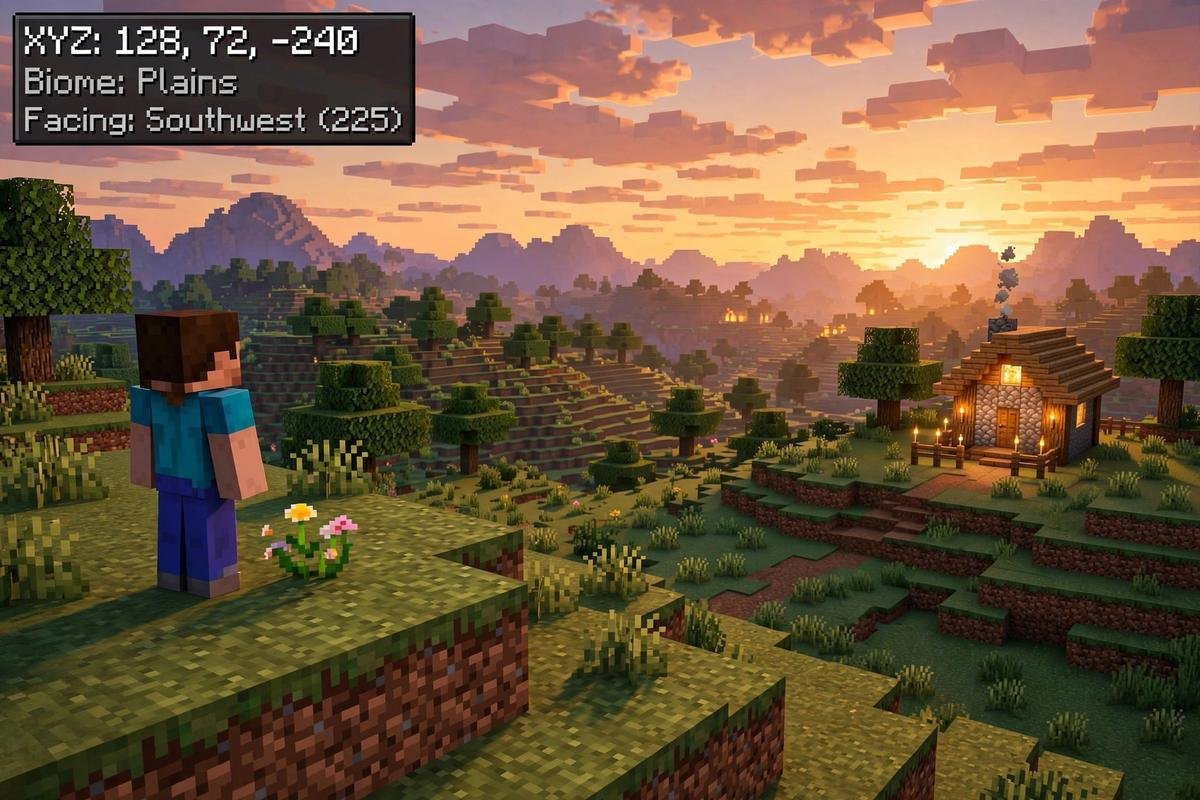
Coordinates are the foundation of every other method in this guide, so turn them on first — even if you never wrote your house’s position down. They tell you exactly where you are, how far you are from world spawn (which sits near 0, 0), and they power the Nether shortcut math in Method 5.
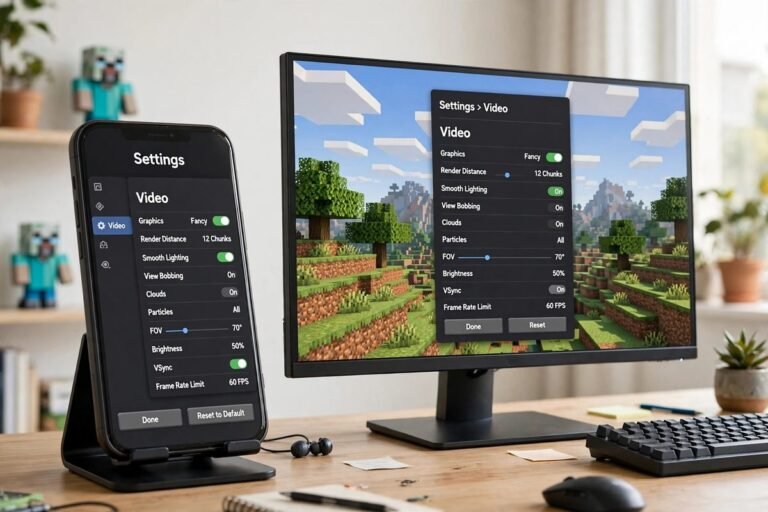
On Bedrock (phone, console, Windows):
- From the main menu, choose Play, find your world, and tap the pencil/edit icon next to it — or pause in-game and open Settings.
- Go to the Game settings and scroll to the World Options area.
- Turn on Show Coordinates.
- Re-enter the world. Your position now shows in the top-left corner as Position: X, Y, Z.
Good news for achievement hunters: using this settings toggle does not count as cheats and does not disable achievements or trophies. (The /gamerule showcoordinates command also works, but that route requires cheats to be enabled — and enabling cheats is what disables achievements. Stick to the toggle.)
On Java Edition (PC/Mac): press F3 (or Fn + F3 on laptops) to open the debug screen and read the XYZ line.
How to read the numbers: X increases as you travel east and decreases going west. Z increases going south and decreases going north. Y is height — sea level is about Y 63. To walk to a target, just move in whichever direction makes your X and Z approach the target numbers. If your base coordinates exist anywhere — an old screenshot, a message you sent a friend, an in-game book — this method gets you home on foot, guaranteed. The Minecraft Wiki’s coordinates page covers the basics in more depth — worth a read before your next expedition.
Method 2: Follow a Compass to World Spawn
Craft a compass from 4 iron ingots and 1 redstone dust, and its needle will point — always — at your world’s spawn point.
Here is the catch everyone learns the hard way: a compass does not point to your bed or your house. It points to the spot where you first spawned into the world. This method saves you only if your house is at or near spawn, which is true for a lot of early-game bases. If you built far from spawn, the compass will confidently lead you to the wrong place.
Two more compass facts: the needle spins uselessly in the Nether and the End, and the compass works from your inventory screen — no need to hold it in hand.
Method 3: Use a Lodestone Compass (If You Set One Up)
If you prepared for this moment, this is the best tool in the game. Place a lodestone block in your house and use a compass on it. That compass becomes a lodestone compass that points at that exact block from anywhere in the same dimension — and unlike a normal compass it also works in the Nether and the End, provided the lodestone itself is placed in that dimension. One limit to know: if the lodestone is in a different dimension than you are, the needle spins randomly instead of pointing — a lodestone compass only tracks its lodestone within the dimension they share.
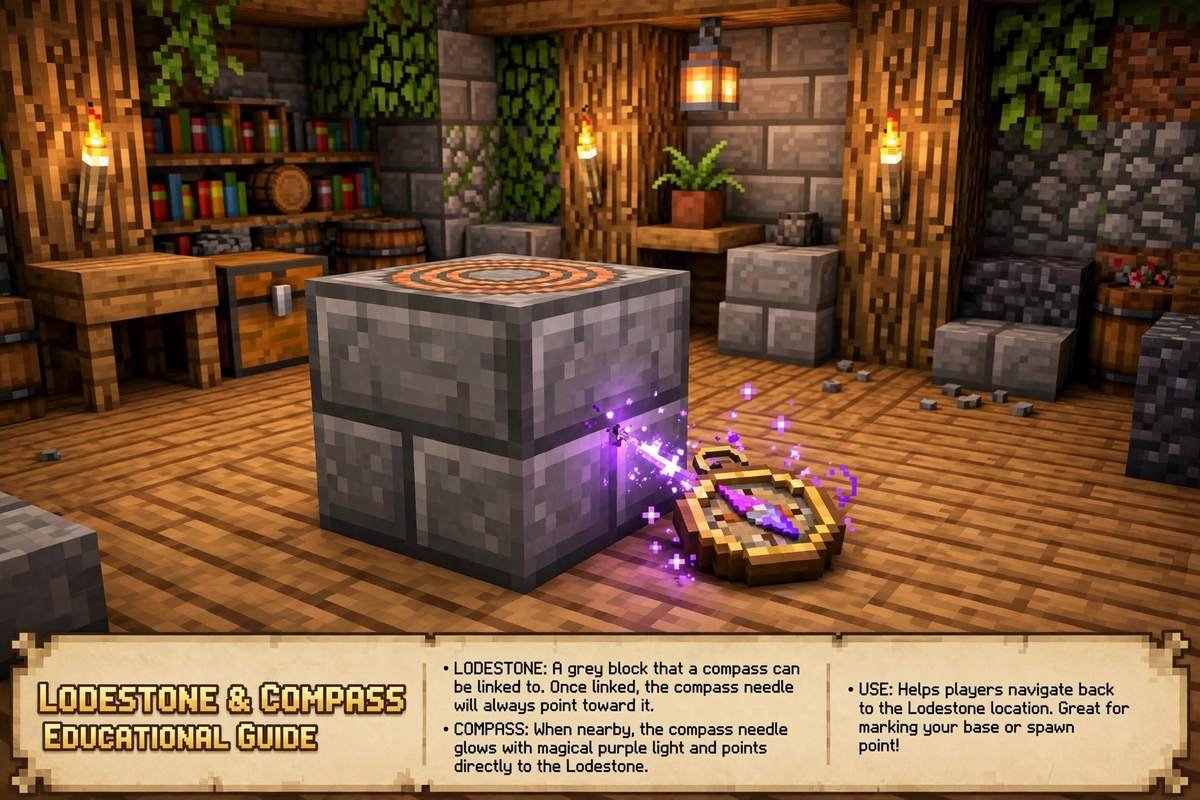
Lodestones used to cost a netherite ingot, which made them a luxury. In current versions the recipe is far cheaper: one iron ingot surrounded by chiseled stone bricks. There is no excuse not to keep one at your base (the prevention section below explains the full setup). If the lodestone is ever broken, the compass loses its target and spins — so protect it like the treasure it is.
Method 4: Read a Locator Map
Craft an empty map, then combine it with a compass (in a crafting table, or use a cartography table) to make a locator map, which shows your position and the direction you’re facing as a marker.
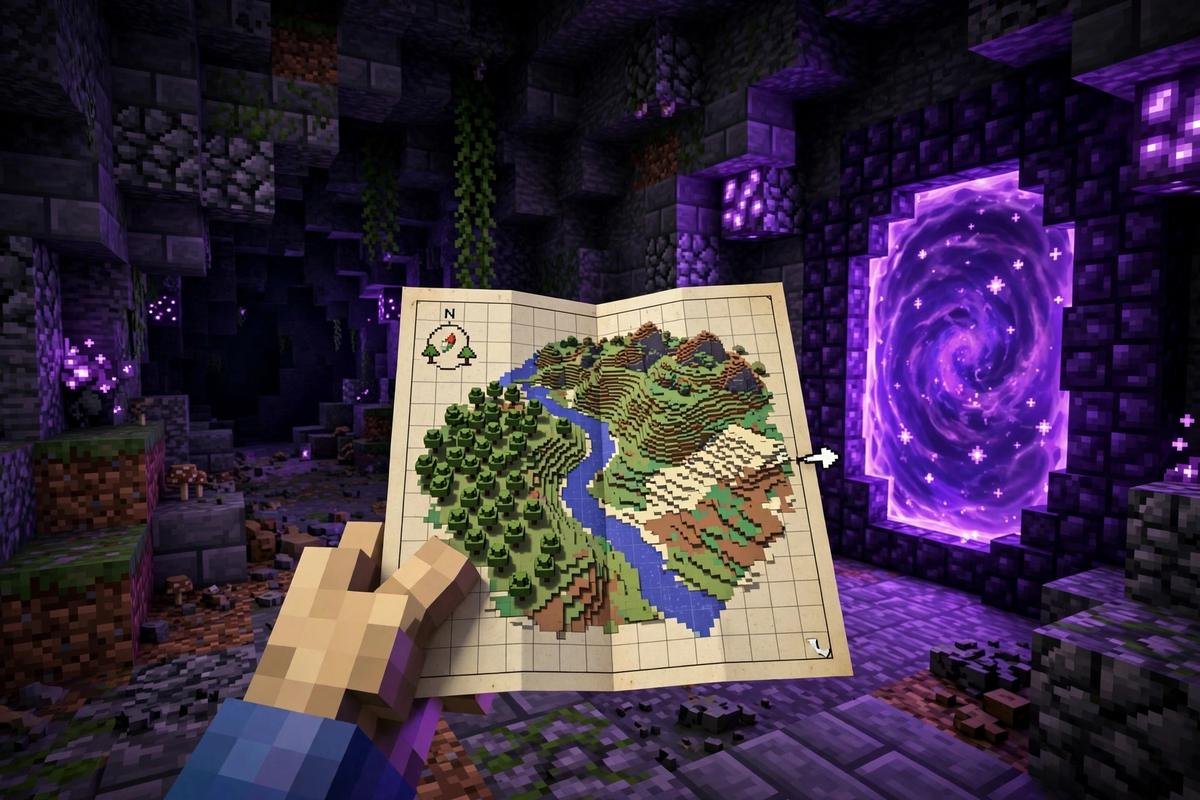
The key trick for lost players: if your house is outside the map’s area, your marker appears as a dot on the map’s edge, pointing in the direction you need to travel. Walk toward that edge and the marker will eventually slide onto the map — and if you’ve been mapping the area around your base, the house itself may already be drawn there.
Maps start small (128 × 128 blocks) and can be zoomed out four times with a cartography table and paper, up to 2048 × 2048 blocks at maximum zoom. A fully zoomed-out map is often big enough to cover the whole trip home. A map made without a compass shows terrain but not your position — the compass is what makes it a rescue tool.
Method 5: Take the Nether Shortcut (Divide by 8)
If your house is thousands of blocks away, walking home in the Overworld can take a whole play session. The Nether shrinks the trip: one block traveled in the Nether equals eight blocks in the Overworld.
The method:
- Turn on coordinates (Method 1) and note your house’s Overworld X and Z.
- Divide both numbers by 8. Example: a house at X 1600, Z −2400 becomes X 200, Z −300 in the Nether.
- Enter the Nether, travel to the converted coordinates, and build a portal there.
- Step through — you’ll arrive at (or very near) your house.
Worked example: you are lost at X −800, Z 400. Your home is at X 1600, Z −2400. In the Nether, home’s portal spot is 1600 ÷ 8 = 200, −2400 ÷ 8 = −300. A rough 3,700-block Overworld hike becomes about a 460-block Nether trip. Build your exit portal as close to the converted coordinates as you can — portals link to the nearest existing portal, so precision matters. If portal mechanics are new to you, our complete guide to how to make portals in Minecraft covers sizes, linking, and fixes for portals that take you to the wrong place.
Travel safely: bring blocks for bridging, mark your path, and remember the coordinates of your entry portal too, in case you need to retreat.
Method 6: Use a Recovery Compass to Recover Your Gear
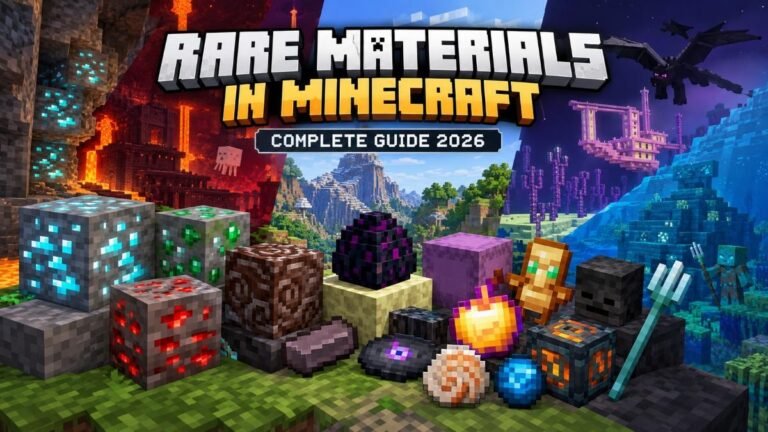
This one finds your death spot, not your house — but players conflate the two constantly, and after dying far from home it is often the thing you actually need. A recovery compass is crafted from a normal compass surrounded by 8 echo shards, which are found in chests in Ancient Cities deep underground (our guide to rare materials in Minecraft covers where echo shards and other hard-to-find loot come from).
The recovery compass points to the exact place you last died, as long as you are in the same dimension where the death happened; in the wrong dimension, or if you haven’t died yet, the needle just spins. Keep it in a chest at your base, next to your respawn point — carrying it with you defeats the purpose, since it would drop with the rest of your gear. And move fast: dropped items despawn after about five minutes in loaded chunks, so the compass points the way, but the clock is real.
Method 7: Die on Purpose and Respawn at Your Bed (Last Resort)
If you slept in a bed at your house, that bed is your respawn point — and dying sends you straight back to it. Deliberately. This is a real strategy, but treat it as the emergency exit it is:
- It only works if your bed is still there and unobstructed. If the bed was broken or blocked, you respawn at world spawn instead — no better off, and now without your gear.
- Everything you are carrying drops where you die. Before doing this, stash your valuables in any chest you can craft or find, note the coordinates of that spot (Method 1), and accept that food and tools may be a write-off.
- Never do this in Hardcore mode, for obvious reasons — and in regular survival, weigh it honestly: if you’re only a few hundred blocks out, walking is cheaper.
If your respawn works, you wake up at home, and you can mount a proper expedition — with coordinates on — to recover the chest you left behind.
Method 8: Read the Land — Sun, Clouds, Rivers, and Seed Tools
No tools at all? You still have the sky and the terrain.
- The sun rises in the east and sets in the west, exactly like real life. At sunrise, face the sun and you’re facing east; your left hand points north.
- Clouds always drift westward. It’s a small thing, but it’s a compass that never leaves your inventory.
- Climb high and look. Raise your render distance temporarily, get on a hill or tower up with blocks, and scan for familiar landmarks: the biome you built in, a distinctive mountain, your own torch trails or farm lights at night.
- Follow rivers. Rivers lead to coasts and oceans, and many players build near water. Terrain you recognize is often only one biome away.
- As a last resort, use your world seed with a third-party seed map (Chunkbase’s Seed Map is the best-known). Honest disclosure: these are unofficial fan websites, not Mojang tools. You enter your seed — visible in your world’s settings on Bedrock — and the tool renders the world’s terrain, biomes, and structure locations. It will not show your house, because your builds aren’t part of the seed. What it can do is show you where the villages, spawn area, and biomes are, which is often enough to recognize where home sits. On Java, viewing the seed in an existing world may require cheats, which is another reason this is a fallback rather than a first choice.
Playing on a Realm or server? Ask in chat. Owners and moderators usually know the spawn coordinates, many servers publish a live web map, and a friend who’s online can simply read you the coordinates of your own front door.
Never Lose Your House Again: 5-Minute Prevention
Every method above gets easier — or unnecessary — with these habits:
- Screenshot your base coordinates the day you build. On Bedrock, turn on Show Coordinates, stand in your doorway, and take a screenshot. On Java, press F3 and screenshot. That picture is a permanent “you are here” for your house.
- Always sleep in your bed so your respawn point is home. Our guide to surviving your first night in Minecraft explains why the bed is the most important craft in the game.
- Place a lodestone at your base and keep a linked compass in your hotbar or ender chest. Rename it at an anvil (“Home”) so you never confuse it with a spawn compass.
- Keep a book and quill as a coordinate log. Base, portals, villages, the stronghold — write them all down in-game, so the information lives with the world, not in your memory.
- Mark your routes. Torch trails, cobblestone pillars, or a dirt path buy you a visible way back for almost nothing. Our general tips and tricks page collects more small habits like these that save big headaches later.
FAQ
Does a compass point to your house or your bed?
No. A normal compass points to the world spawn point — where you first entered the world — not to your bed and not to your house. The only compass that points at a specific place is a lodestone compass, made by using a compass on a lodestone block placed where you want to return to.
How do I find my house in Minecraft without coordinates?
Use a compass if your base is near spawn, a locator map (your marker sits on the edge pointing the way when you’re off-map), or terrain reading: the sun rises in the east, clouds drift west, and rivers lead to coasts. If someone else is in the world, ask them to stand at your house and read their coordinates to you — then turn coordinates on and walk the numbers.
If I die, will I respawn at my house?
Only if you previously slept in a bed there and that bed still exists and isn’t blocked. If the bed is missing or obstructed, you respawn at world spawn instead. Either way, your carried items drop where you died, which is why deliberate death is a last resort, not a shortcut.
How does the Nether shortcut math work?
Divide your house’s Overworld X and Z coordinates by 8 — those are the coordinates to aim for in the Nether. Travel there, build a portal, and you’ll come out near your house, because 1 Nether block equals 8 Overworld blocks. Example: a home at 1600, −2400 needs a Nether portal at 200, −300.
I’m on a Realm or server and can’t turn on coordinates. What now?
On Bedrock Realms and servers, the Show Coordinates setting is controlled by the world owner or an operator (there is also a showcoordinates game rule they can enable). Ask the owner — or fall back on the methods that need no settings at all: compass, lodestone compass, locator maps, and landmark navigation.
Conclusion
Getting lost in Minecraft feels catastrophic, but the game quietly gives you a full navigation toolkit — you just have to know which tool fits. Coordinates are the master key: turn them on and every other method gets faster. A lodestone compass is the one true “point me home” item, maps and Nether math cover the long distances, and even a deliberate respawn can save a world in a true emergency. Set up the five minutes of prevention today — a screenshot, a bed, a lodestone — and “lost” becomes a short walk instead of a lost world.